| Subscribe to our podcasts on Spotify |
You’re enjoying the company of a friend at a local coffee shop, working out at the gym, chatting with your hairdresser, or minding your own business on the subway. You barely notice one of the people nearby wearing normal-looking glasses. No phone in their hand. No obvious camera. No creepy “I’m recording you” vibe.
Except… they might be filming you anyway. That’s the gut punch behind a recent report about Meta’s smart glasses: footage captured through these glasses can end up being reviewed by human contractors for AI training and data labeling, including extremely sensitive moments users likely never intended to share with anyone, let alone a stranger watching and taking notes.
“In some videos you can see someone going to the toilet, or getting undressed, I don’t think they know, because if they knew they wouldn’t be recording.”
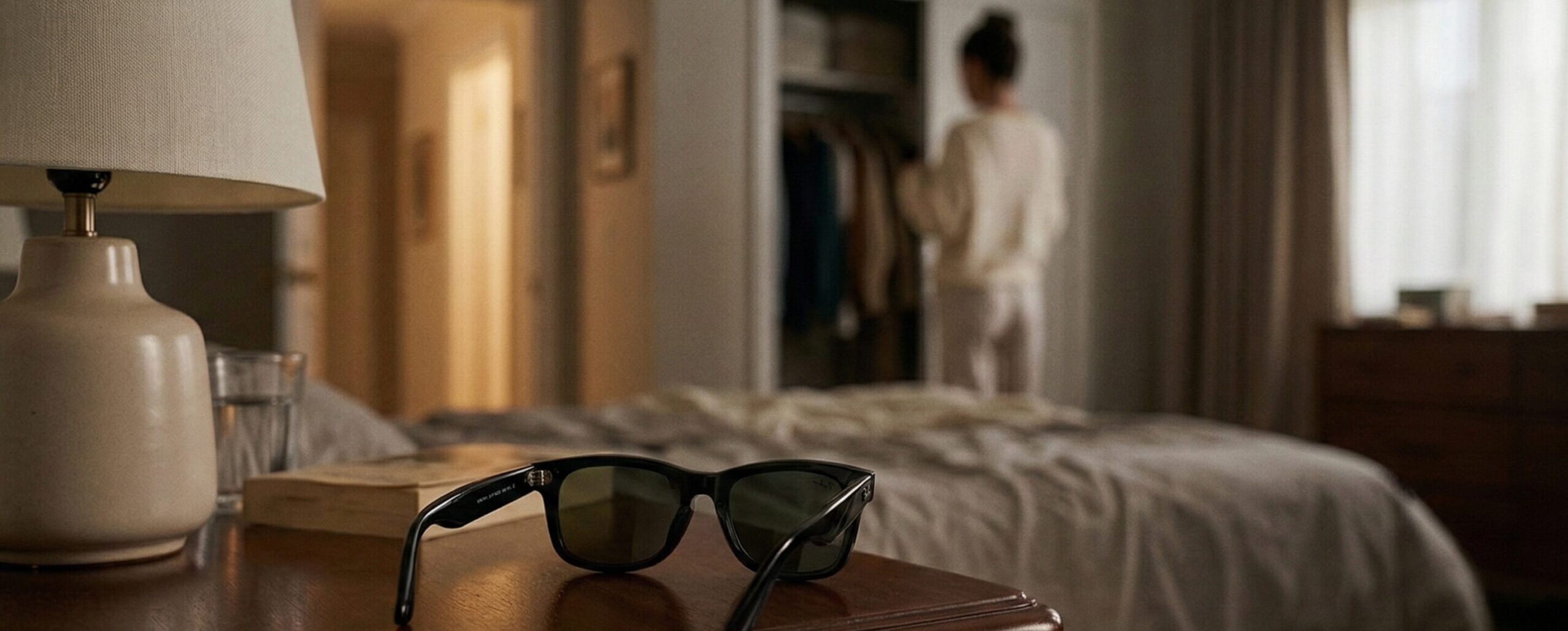
“I saw a video where a man puts the glasses on the bedside table and leaves the room,” one data annotator told reporters. “Shortly afterwards his wife comes in and changes her clothes.”
As reported by Futurism, other footage included imagery of people’s bank cards, users watching porn, or even filming entire “sex scenes.”
Unfortunately, smart glasses are just the newest, flashiest example of a much bigger reality: The more “smart” our devices get, the more our private lives become data. Sometimes that data is stored. Sometimes it’s shared. Sometimes it’s accidentally captured. Sometimes it can be pulled out of the air in ways manufacturers didn’t design for.
Smart Glasses: The Camera You Don’t Notice

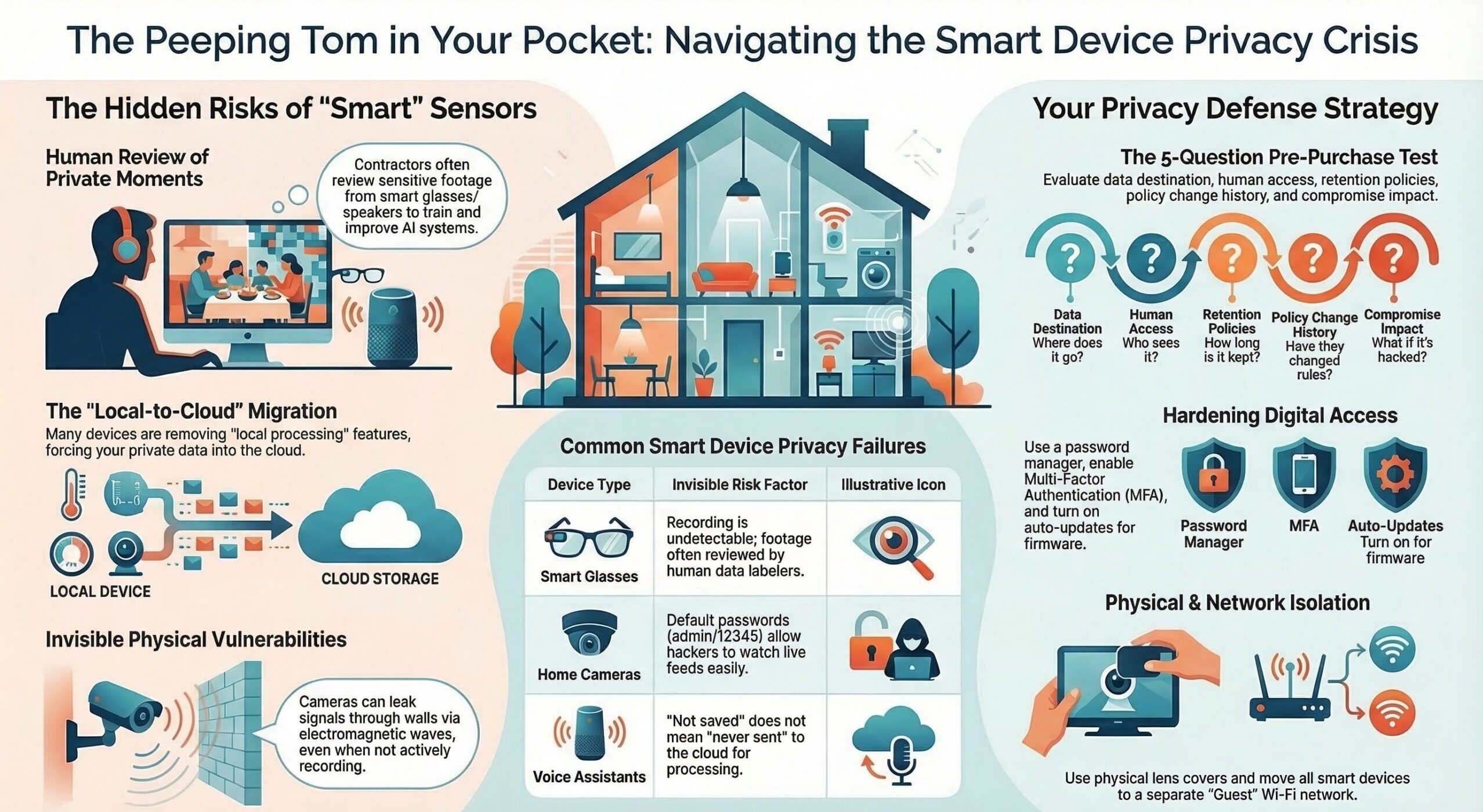
Smart glasses combine a camera, microphone, and always-ready AI assistant into something that looks harmless. That’s the point. The social friction is lower than a phone, so recording becomes easier, more frequent, and harder to detect. The disturbing part isn’t only that people might be recorded without realizing it. It’s that some of what’s recorded is being sent out for humans to watch as part of the behind-the-scenes work needed to train and improve AI systems. Investigations and follow-on reporting describe contractors reviewing footage that can include nudity, bathroom moments, bank cards, and other intimate scenes.
Even if the device has an indicator light, it’s usually so small that people don’t see it. And once the footage exists, it’s sent out to the cloud, where third parties and humans review it—in ways most consumers don’t fully understand when they click “Accept” on the terms and conditions.
The new privacy normal: You can be recorded in public spaces far more easily and far more invisibly than even a few years ago.
Home Security Cameras: When “Security” Becomes Surveillance

Most people buy cameras for safety, but ironically, cameras can make it easier for people to watch you. Unfortunately, we know home security cameras are also being watched—like when this hacker told an 8-year-old girl that he was Santa Claus. One of the most common (and most avoidable) ways home security cameras get hijacked is embarrassingly simple: default passwords. Many internet-connected cameras ship with easy, well-known logins like “admin/admin” or “admin/12345.” Attackers routinely scan the internet for exposed cameras and try these default credentials automatically. If the owner never changed them, the attacker can slip in and watch live video feeds, mess with settings, or use the camera as a foothold into other devices.
Although changing your password can help, researchers at Northeastern demonstrated a technique that can eavesdrop on video from many modern cameras (including phones and security cameras) by picking up electromagnetic leakage from internal wiring, potentially through walls, without needing to hack the camera’s network connection. The research describes that the camera doesn’t necessarily need to be “recording” in the way you think; if the lens is open, there can be a risk of real-time capture via unintended signals. Fortunately, this isn’t something that’s very common, but it proves a bigger point: even if you lock down your Wi-Fi perfectly, the physical design of devices can create new privacy leaks, and you rarely have any way to evaluate that risk before buying.
Voice Assistants: When “On-Device” Quietly Becomes “In the Cloud”
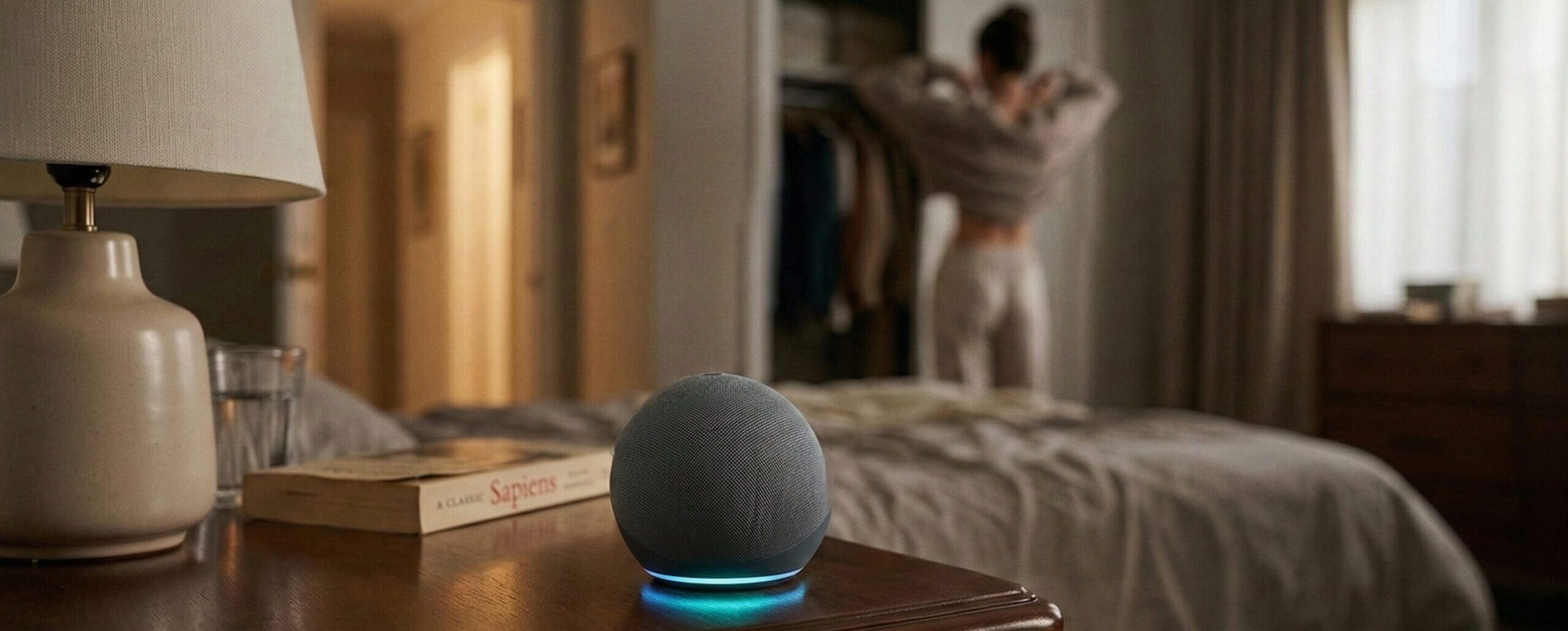
If smart glasses are the “you might be watched” threat, voice assistants are the “your home might be listening” threat. For example, Amazon removed a privacy feature that allowed certain Echo devices to process Alexa requests locally without sending voice recordings to Amazon’s cloud. As of March 28, 2025, that “Do Not Send Voice Recordings” option went away (even though it was only available on a limited set of Echo devices in the first place). Amazon linked the change to expanding generative AI features that rely on cloud processing.
Amazon has also used human reviewers to listen to a sample of Alexa voice recordings to help improve (train) Alexa’s speech recognition and understanding, similar in concept to what’s raised about Meta (humans reviewing data to improve AI). Reports going back years describe Amazon employees/contractors listening to clips as part of improving Alexa’s performance, and Amazon has also said this review helps train its AI systems. Amazon added a privacy setting that lets users opt out of having recordings used for this kind of improvement/human review. The important nuance today is that even if you choose “don’t save recordings,” many Echo/Alexa requests still need to be sent to Amazon’s cloud for processing (especially as Amazon pushes more generative AI features), which increases the overall privacy exposure even when storage is minimized.
Here’s the practical takeaway:
- “Not saved” is not the same as “never sent.”
- Cloud processing increases your exposure to breaches, misuse, employee/contractor access risks, legal requests, and policy changes you don’t control.
The Pattern You Should Not Ignore
These three stories (smart glasses, home security cameras, and smart home devices) are different flavors of the same problem:
- Convenience keeps pushing sensors closer to your private life. Cameras, microphones, motion sensors, and always-on assistants are migrating from “outside” (your phone) into your home and your face.
- AI features often require more data, not less. Better AI usually means more recordings, more uploads, more analysis, and more “product improvement.”
- Your privacy settings are not permanent. A device you bought for “local processing” today can become “cloud required” tomorrow.
So the goal isn’t to panic and unplug everything. The goal is to stop inviting surveillance into your life by accident.
A Practical, No-Nonsense Privacy Test for Any New Device

Before you buy, install, or use anything with a camera or microphone, do a quick review:
1) Where does the data go?
- Does it process locally, or does it upload to the cloud by default?
- Can cloud upload be disabled without breaking the product?
(If “no,” you’re buying a cloud sensor, not just a gadget.)
2) Who can access it?
- Is there human review for “quality” or “AI improvement”?
- Does the company share data with vendors/contractors/third parties?
3) How long is it stored?
- Is retention clearly stated?
- Can you auto-delete data?
4) What happens if policies change?
- Will the device still work if you opt out of data sharing?
- Have features been removed before? (This happens.)
5) What’s the impact if it’s compromised?
- If hacked, what’s exposed? Your living room? your kids’ bedrooms? your front door conversations?
- If leaked, what would be most damaging or embarrassing?
If a device fails this test, it doesn’t automatically mean “never buy it”; it means don’t install and use it casually. Be mindful around it.
What You Can Do to Protect Yourself
A) Lock down access (this stops the easy wins)
- Unique password per device/account (use a password manager).
- Turn on MFA for the manufacturer account (camera/speaker app account = your house keys).
- Update firmware immediately and enable auto-updates where possible.
- Disable remote access features you don’t use.
B) Reduce what gets captured (privacy by design… your design)
- Don’t point indoor cameras at private spaces (bedrooms, bathrooms, home office screens).
- Use privacy shutters/lens covers when available.
- Mute microphones when not needed.
- For voice assistants: set them to delete recordings automatically and regularly review voice history.
C) Reduce what leaves your home
- Choose devices that offer local processing or local storage options when feasible.
- If cloud is required, choose “don’t save recordings” style options when available.
- Avoid “always on” features unless you truly need them.
D) Put smart devices in “guest mode” on your network
If your router supports it:
- Create a separate IoT/guest network for cameras, doorbells, speakers, and TVs.
- Keep your computers/phones on your main network. This limits the damage if a device gets compromised.
E) Practice “consent awareness” in shared spaces
If you use smart glasses, cameras, or voice assistants:
- Tell guests they exist.
- Shut off cameras inside when you have people over.
- Don’t be the person who records others “by default.”
Because here’s the future we’re sliding into: a world where everyone assumes they’re being recorded… all the time.
Smart Devices are Invasive by Default
Unfortunately, the companies selling smart devices and creating AI tools have incentives that don’t always align with your privacy. Smart glasses show how easily recording becomes invisible and how easily footage can end up being viewed by people you never agreed to invite into your life. Security cameras show that even “secure” can have unexpected, physical-world leak paths, and voice assistants show how quickly “local” can become “cloud required.” So here’s the rule worth printing and taping to your fridge:
If a device has a camera or microphone, assume it can capture something you’d never want shared, and set it up like that matters.
If there’s someone you know who’s tech savvy and into these devices, be sure to share this article with them so they more fully understand what they might be agreeing to.