

| Subscribe to our podcasts on Spotify and |
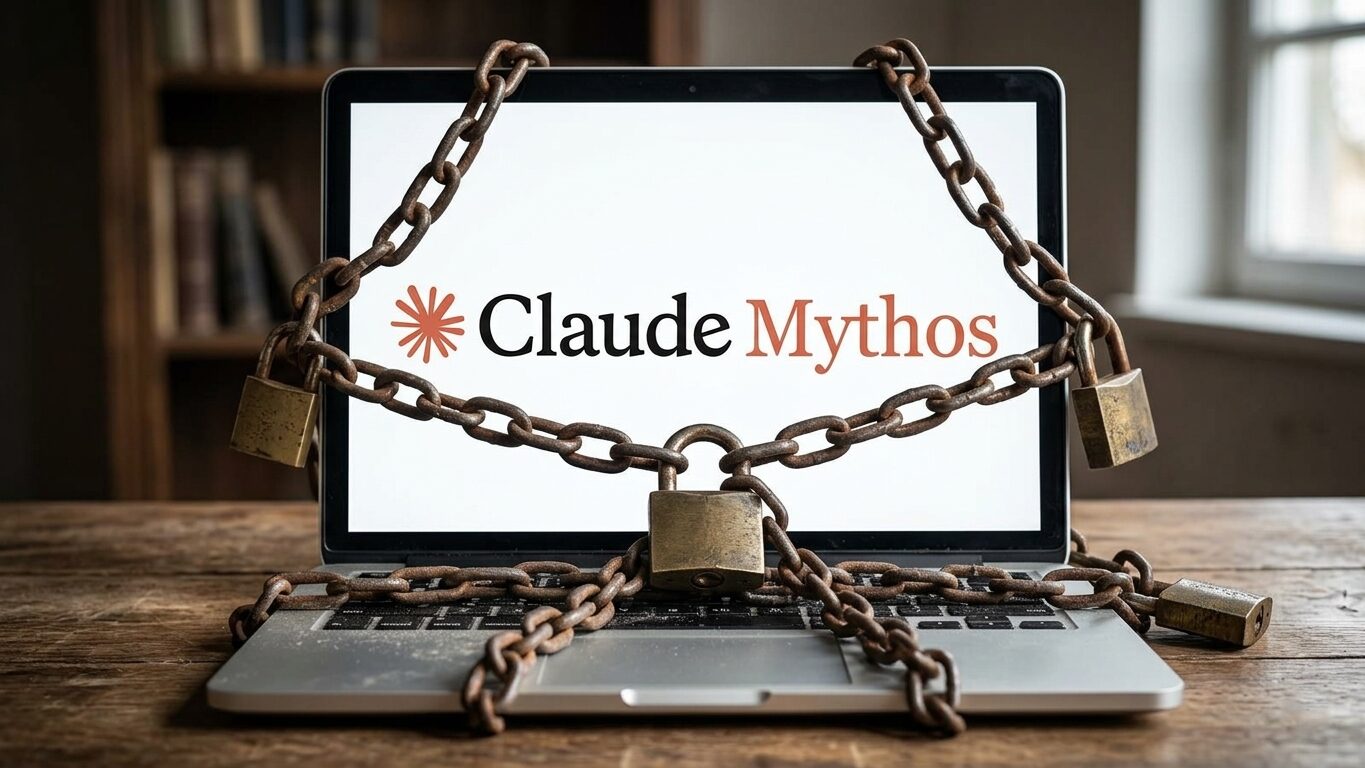
Think of Anthropic’s Claude Mythos as the Indiana Jones of AI models. It’s exploring ancient caves, filled with computer code, and at the same time, it’s uncovered a hoard of security booby-traps in that code. Luckily, Mythos itself isn’t going to come after you (it’s unreleased), but the fact that AI can now find thousands of unknown bugs is a wake-up call.
In simple language: These new AI tools help the good guys find and fix software weaknesses… but they also help the bad guys find and exploit those same weaknesses.
For everyday folks, this means scams and identity theft are getting a serious upgrade in sophistication. The hope is that the good guys can use AI to patch holes and stop attacks faster than ever. Unfortunately, we’re in an era of seeing who can use AI to get ahead of the other, faster.
What is Claude Mythos, and Why Should You Care?

You won’t find Claude Mythos on the internet. It’s an experimental AI (created by Anthropic) that’s being tested. During testing, researchers asked Mythos to help find bugs in code, and it quickly discovered thousands of “zero-day” vulnerabilities. A “Zero-day” is the day that a new software bug is discovered, and for serious ones, companies often rush to patch them – which is why we often have to download security updates.
Imagine teaching an AI model to fix your bike, and it starts finding things you didn’t even know could break. Mythos crossed the company’s safety red line, so Anthropic teamed up with other tech giants (Google, Microsoft, etc.) to use it only defensively, patching holes before anyone can exploit them.
For the average user, the bottom line is: Claude Mythos shows us how to find and fix software quickly, but it also shows us what hackers will be able to do soon, when they too are powered by AI. The future is AI vs. AI in cybercrime, and knowing that lets you spot new tricks faster and make smart choices to stay safe.
The New Wave of AI-Powered Threats
AI isn’t just about chatbots writing poems or drawing caricatures, it’s also being used for crime. The same generative AI that can plan your vacation can “plan” a scam too. Scammers are already diving into this new toolkit. AI scams are on the rise, using artificial intelligence tools to target consumers in very sophisticated and personalized ways. In practice, this means scams that used to look cheesy and generic are now becoming hard to spot and very convincing.
- Flawless, Hyper-Personalized Phishing. Remember those old scam emails loaded with typos and wrong names? Forget them. Modern AI chatbots can whip out perfect, well-written emails or text messages in seconds. They can even scrape your social media or public data to personalize the message. For example, an AI might pick up your recent trip photos or LinkedIn updates and slip them into a fraudulent email so it feels like it really knows you. These messages have no grammar errors, which is one of the key clues people used to rely on to determine if it was a fake. Soon, AI-generated phishing emails will be able to find ways to bypass spam filters and become much more convincing and personalized.
- Fake Voices and Deepfake Videos. AI can clone real voices. Scammers can take just a few seconds of your loved one’s voice (from a video or social media clip) and generate a cry-for-help that sounds identical to them. This isn’t sci-fi; it’s happening right now. Because the voice sounds real, the emotional pull is intense. As we’ve shared, agree on a code word in advance, and if the crooks don’t know it, you know it’s a scam.
These upgraded tricks build on old scams, but are supercharged by AI. Unfortunately, it doesn’t stop with emails and phone calls. AI can also generate fake websites and documents that look almost real, cybercriminals even spoofed the FBI’s website. Picture an AI designing a phony bank website so realistic that you don’t notice it’s a carbon copy, but by the time you do, you’ve already handed over personal info. All this means ordinary people need to be twice as careful.
Smarter Malware and Automated Attacks

You may not see this one directly, but it’s coming: AI can help write the code that harms your devices or takes them hostage for ransom. Traditionally, writing a dangerous virus or ransomware took skill. Now, a semi-skilled hacker can feed a prompt to something like ChatGPT or Claude Code and can get it to deliver snippets of malicious code. The U.S. Department of Health and Human Services has warned that AI has “evolved to a point where it can be effectively used by threat actors to develop malware.” In fact, researchers have already built proof-of-concept AI-malware that rewrites itself on the fly to avoid being detected. Think of it like a shape-shifting computer virus. Every time your antivirus software tries to analyze it, the AI turns it into something new it hasn’t seen before. The risk is that even if you don’t get an obvious hack today, it could be quietly stealing personal information behind the scenes.
AI as Your Digital Guardian

The reality is that AI is also our best ally in this fight. A recent survey found 95% of experts agree that AI-powered tools make threat detection and response faster and more efficient.
- Behavioral Antivirus. Traditional antivirus waits for a known virus signature. AI-powered antivirus watches programs’ behavior and can address the behavior instead of just the virus files themselves.
- Smart Email Filters. Modern spam filters use natural-language analysis to sniff out phishing. For example, an AI filter might notice a message’s tone is too urgent or the sender’s address is a tiny typo off the real domain (like “micros0ft” instead of “microsoft”).
- Mobile Features. Voice assistants or even specific security-checker apps can sometimes alert you to unsafe links or calls. The technology isn’t magic, but leaning on AI-powered tools adds an extra layer of scrutiny.
- Is it a Scam? Ask AI. Use public AI tools (like ChatGPT or Gemini) to double-check suspicious messages. If you get a weird email, message, or text, try pasting it into a chatbot and asking “Hey, is this a scam?” These models are trained on mountains of data and often spot red flags like fake URLs or urgent money requests. It’s like having a savvy cyber buddy with you 24/7. (Of course, make sure any AI you use is reputable and keep any personal info private.)
AI is not foolproof, but it’s adapting to scammers’ tricks faster than the old static defenses.
How to Stay Safe in the New AI-Driven Landscape
At the end of the day, your smarts and your “spidey senses” are your best defense. AI scammers try to rush you into a reaction (send money now, click this urgent link), and the old rules still apply: slow down and verify. If a stranger or even a “known” contact suddenly starts demanding money, information, or data, pick up the phone and call them directly using a number you trust, not the one in the message.
Cultivate a little healthy paranoia: if something feels off, it probably is. Check for red flags like offers that seem too good (or emergencies that sound fishy), requests for unusual payment methods (crypto or gift cards are classic scam red flags), or messages that pressure you to act fast. Remember, real companies and your loved ones want you to make smart decisions, not hurried ones.
Your Personal Security Checklist in the Age of AI

You don’t need to be a tech wizard to boost your security. These practical steps can dramatically reduce your risk right now:
- Enable Multi-Factor Authentication (MFA). This is the single most effective move you can make. With MFA, even if someone guesses or steals your password, they still need a second proof (like a code on your phone) to get in. Most banks, email services, and social accounts offer it, so use it on everything important. It’s an extra step that blocks most attackers in their tracks.
- Use a Password Manager. Don’t reuse passwords! A password manager generates and stores a unique, strong password for each account. That way, a breach on one site won’t allow attackers to break into other accounts. Think of it like having a different key for every door. Modern password managers (like Nordpass, Keeper Security, and RoboForm) also fill in logins for you, so it’s actually easier than remembering one password everywhere.
- Set a Family Code Word. For that voice-cloning risk: agree on a secret phrase or question with close relatives. If you get a “child in danger” call, ask for the code word. If the scammer doesn’t know it, hang up! This simple trick has saved people from sending money to scammers.
- Lock Down Your Social Media. The less personal info available online, the less fodder scammers have. Check your privacy settings: make profiles friends-only if possible and avoid posting identifiable info (full birthday, school names, vacation photos, etc.). Crooks comb social media for data to personalize their scams. Treat your online life like a diary: private, and only for people you know.
- Always Verify, Don’t Trust. If someone claims to be from your bank, a government agency, or even a friend, confirm through an independent channel. Don’t use contact info in the suspicious message. Look up the official number or call the friend’s known number. Even if the email or voice sounded real, one quick call can reveal the truth.
- Keep Everything Updated. Software updates are boring but crucial. They often include security patches for vulnerabilities (like the ones Claude Mythos was hunting). Turn on automatic updates for your phone, computer, apps – whatever you can. This closes holes that crooks (or AI bots) could exploit. It’s one of the easiest defenses you have.
By following these steps, and maintaining a curious, questioning attitude, you’ll undercut most AI-driven scams. The bad guys have AI, but so do you (and your devices). Stay sharp, double-check everything that feels urgent, and let tools like password managers, MFA, and AI filters do the heavy lifting.
Remember to pause and think before you click or pay, it could just save the day!


